Steps below will provide instructions on how to successfully add LA iCalendar to Microsoft Outlook Online:
- Obtain iCalendar URL

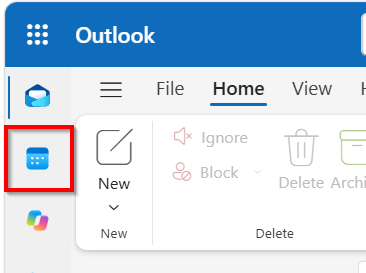
- Open Outlook Online > Select Calendar
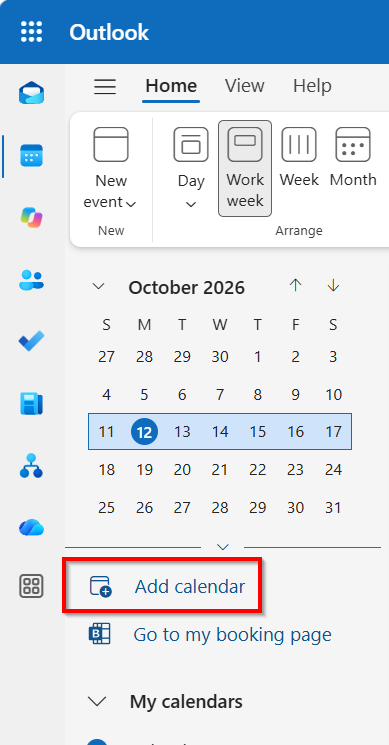
- Click on Add Calendar
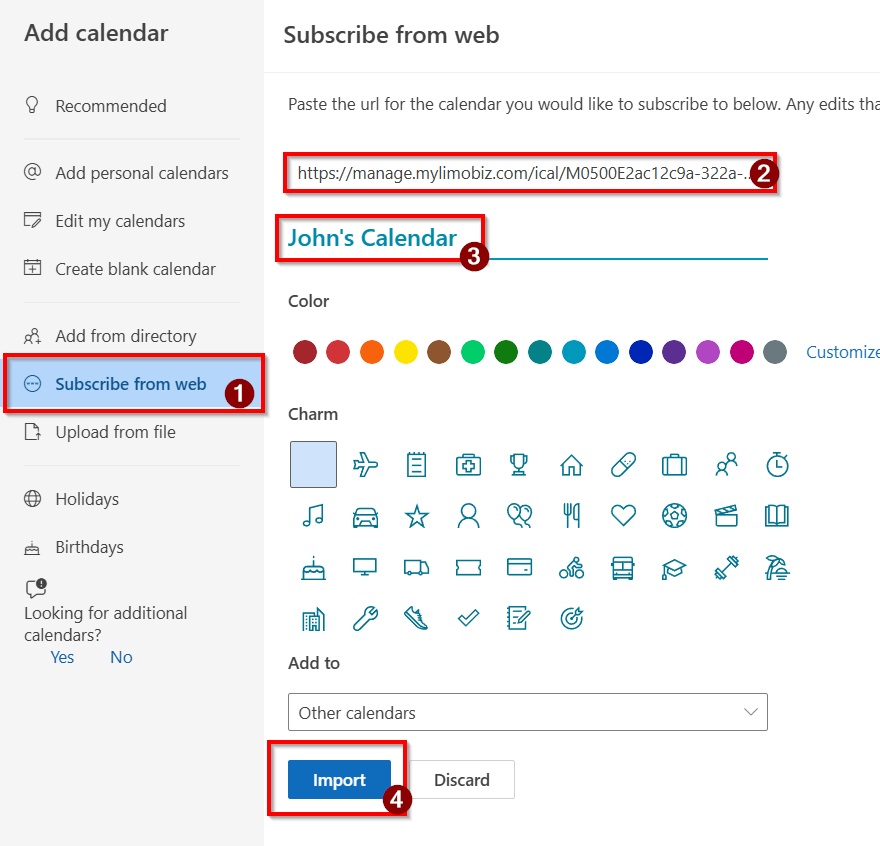
- Click on Subscribe from Web > Paste the obtained URL > Choose a name > Import
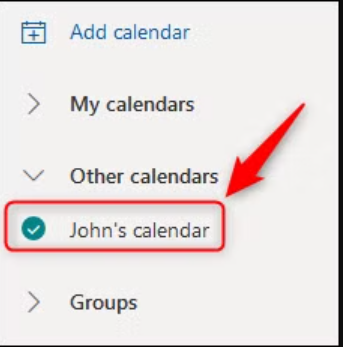
- The shared calendar will now appear under "Other Calendars."
Was this article helpful?
That’s Great!
Thank you for your feedback
Sorry! We couldn't be helpful
Thank you for your feedback
Feedback sent
We appreciate your effort and will try to fix the article